Coding interview copilot
Best interview copilot for live coding
Snap problems and follow-ups on CoderPad, HackerRank, and shared editors
Given integer array nums and target, return the indices of two distinct elements that sum to target.
How it works
Pass coding rounds without Leetcode grind
Automatic snap & solve
Snap your screen for instant solutions
Optimize, edge case, simplify
Quick actions to handle follow-up questions


Choose from the best AI models
Pick the model of your choice for best results
Undetectable design
Stay hidden during live interviews
Invisible to others
Completely invisible even when sharing your full screen
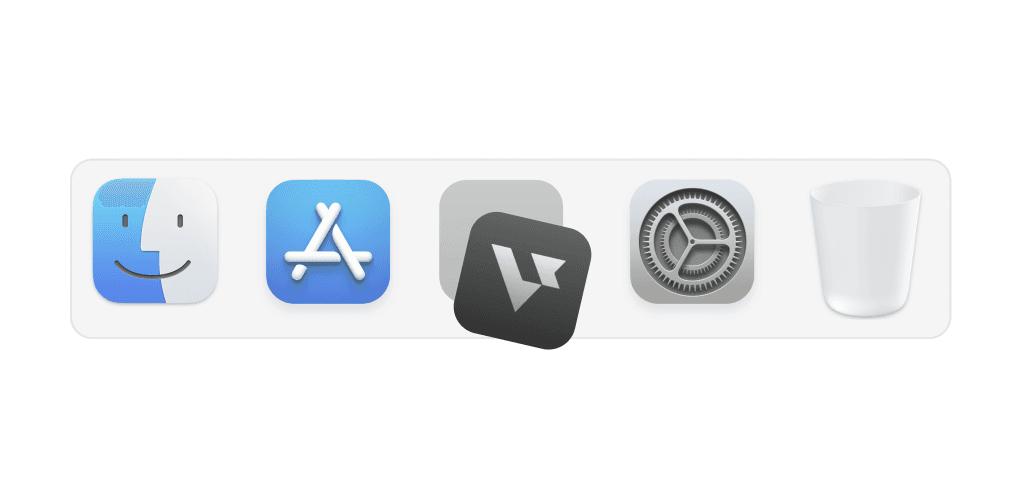
Hide on dock
Stay hidden from the dock so no one notices it
Transparent UI
Access the app without interfering with meeting screens
Smart hotkeys
Use shortcuts to activate support instantly and effortlessly
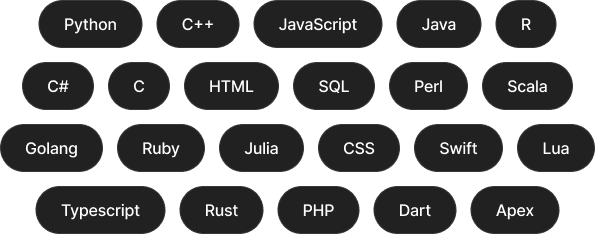
All coding languages
Interview Copilot for every coding language
Leetcode style interview
How to use AI Coding Copilot
Easy 3-step to crack any live coding challenges
Start now01
Start interviews
Launch coding copilot and start your interview session
02
Capture & solve
Snap problems with a hotkey, plug-in, or screenshot for an automatic solution
03
Easy follow-ups
Optimize code, handle edge cases, or simplify logic with a simple click

Every job role
Built to support different job roles
Select the right interview assistant based on your job role and domain
Interview made easy
Explore specialized tools for every interview stage


Answer
Question 2
You
FAQ
Questions about Coding Interview Copilot?
What is Verve AI's Coding Interview Copilot and how does it work?
It's a real-time coding assistant built specifically for live technical interviews — not just a general AI that happens to answer coding questions. It was built by former big tech engineers who went through those rounds themselves and knew exactly what was missing in other tools.
What types of coding interviews does Verve AI support?
This page focuses on live coding: LeetCode-style algorithms and data structures, pair programming in shared editors (CoderPad, HackerRank, CodeSignal), and code-heavy take-homes where you ship working programs. Verbal or on-screen prompts both work—the copilot captures the problem and helps you iterate through follow-ups in real time. Software Engineer Interview Copilot for behavioral, coding, and system design as one end-to-end software engineer loop.
How does Verve AI read the coding question during a live interview?
Multiple ways — drag and drop a screenshot, capture directly from your screen, or drop in multiple images for longer questions. However the question comes at you, there's a way to get it in quickly without breaking your flow.
What happens when the interviewer asks follow-up questions?
Verve AI listens to the whole conversation, not just the initial question. It keeps context of what's already been solved on screen, automatically detects verbal follow-ups from the interviewer, and responds accordingly — no manual input needed. Quick actions like explain, debug, and explore alternatives are also available with a single click when you want to dig deeper on your own terms.
Who should use Verve AI's Coding Interview Copilot?
Anyone whose loop includes a real coding round—software engineers, data scientists, ML engineers, and other technical roles doing shared-editor or whiteboard problems. Software Engineer Interview Copilot is the best starting point when behavioral, live coding, and system design are all in play; stay on this page when you want a coding-round-first workflow.
Will the interviewer know I'm using Verve AI during a live coding round?
No. Verve AI's Stealth Mode keeps the Coding Interview Copilot visible to you only, even when you're sharing your screen on CoderPad, Zoom, or any other platform. Learn more