AI Interview Copilot
Best AI interview copilot
Undetectable live help from an AI interview assistant on any platform, tuned to how you already prep
How it works
How AI Interview Copilot works
Support any type of interviews
Behavioral, coding, technical, case, hirevue, and more
Automatically detect questions
Listen in real time to catch questions and respond instantly
Respond with your background
Assist based on your resume, job descriptions, and target companies
Undetectable design
Stay hidden during live interviews
Invisible to others
Completely invisible even when sharing your full screen
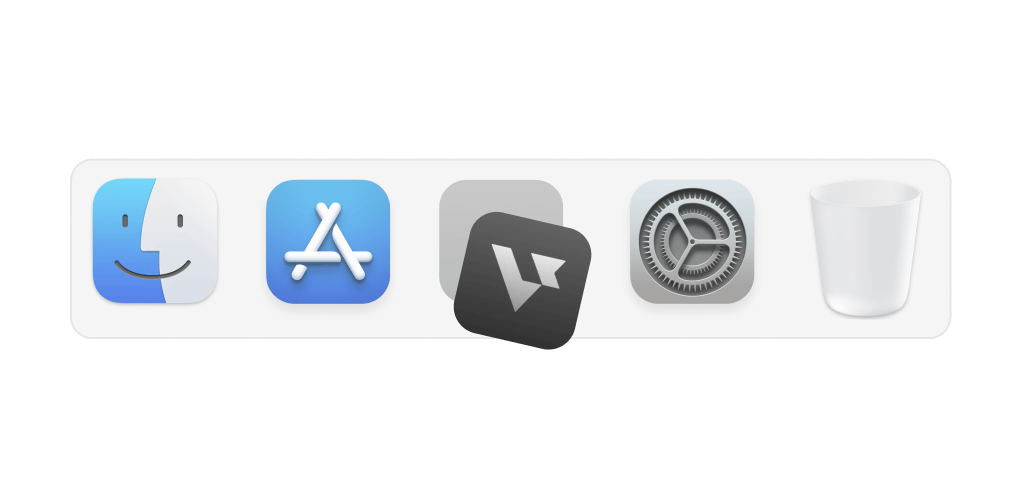
Hide on dock
Stay hidden from the dock so no one notices it
Transparent UI
Access the app without interfering with meeting screens
Smart hotkeys
Use shortcuts to activate support instantly and effortlessly

Grounded in real prep
An AI interview assistant built on the materials candidates use
The skills and artifacts strong candidates sharpen before behavioral screens, technical gates, and role-specific deep dives
Behavioral & leadership stories
Interview answers grounded in your resume for any interview format
Live technical rounds
SQL, coding, and systems thinking when the loop tests how you execute under time
Role-specific depth
Product sense, design critique, research methods, or analytics cases matched to your target role
Cross-platform delivery
Zoom, Meet, Teams, and coding dashboards—prep that translates to how interviews actually run










Supported platforms
Works on any meeting or coding platform
Real-time support on Zoom, Google Meet, and Teams — plus coding dashboards like CoderPad, HackerRank, and CodeSignal
Get Started


With expertise across 120+ job roles
Who should use AI interview copilot
Interview candidates of any job role & industry who want to land offers faster
Get Started
By job role
Choose your AI interview copilot by job role
Jump to the interview loop that matches what you are preparing for
Interview made easy
Explore specialized tools for every interview stage
Question 2
You
FAQ
Questions about AI Interview Copilot?
Does it work during the live interview or only for preparation?
Verve AI Interview Copilot is built for real-time support on actual interviews with discreet suggestions as questions come up. It is not a practice, mock, or rehearsal tool.
Can an AI Interview Copilot actually help me get hired?
While no tool can guarantee an offer, we've heard from countless candidates who landed the job and credited Verve with helping them stay calm under pressure, communicate with clarity and confidence, and handle whatever curveballs came their way. Give yourself the best possible shot at making a great impression when it counts most.
Is Verve AI visible to the interviewer during screen sharing?
No. Verve AI's Stealth Mode is designed to keep interview copilot visible to you only even when you are sharing your screen. Learn more
Can it help with behavioral interview questions using the STAR method?
Yes. Verve AI listens and auto-detect behavioral questions to suggest structured answers you can adapt. With your resume and materials uploaded, it can help you frame stories using STAR or other frameworks for best results.
What types of meeting softwares does Verve AI support?
It works on all meeting platforms like Zoom, Google Meet, Microsoft Teams, and Webex.
Is there any free sessions to try it out?
Yes. Verve AI is one of the few copilots that offer a forever free plan. No credit card required, so upgrade only when you are ready.